You can change the card on file at any time. Your new card is securely saved by Stripe and used for all future renewals, while your plan and billing date stay the same.
- Visit the Billing & Account Settings page.
- Click Replace Card where the payment method is listed.

3. Enter your new card details in Stripe’s secure form, then click Add.
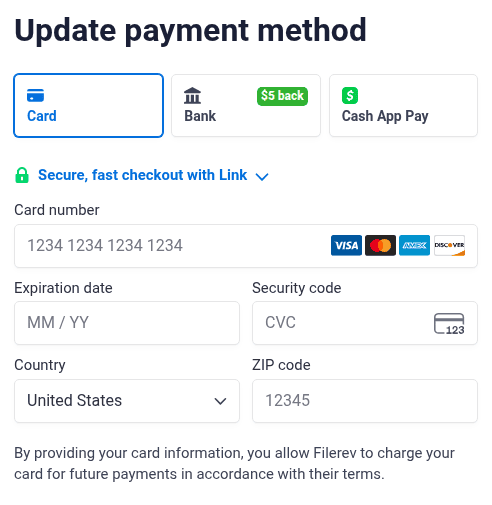
That’s it. Your new card replaces the old one and will be charged at your next renewal.
Subscribed through Apple?
If you bought your plan with an in-app purchase on an iPhone or iPad, your payment method is managed by Apple rather than inside Filerev. Update your card in your Apple ID settings (or on your device: Settings → your name → Payment & Shipping).