Yes. When Filerev deletes files in your Google Drive, those files are moved to Google Drive’s Trash, not permanently deleted.
If you later decide you want those files back, you can restore them from the Trash. However, Google Drive only allows restoring files in small batches, which can be extremely slow if you’re dealing with hundreds, thousands, or even millions of files.
Filerev lets you restore all files in your Google Drive Trash with only a few clicks.
Just visit the Files by Category page, scroll down to the My Drive Trash section, click the three-dot menu and select Restore Files in Trash....

Then you will see the following modal where you can click the Restore Files button.
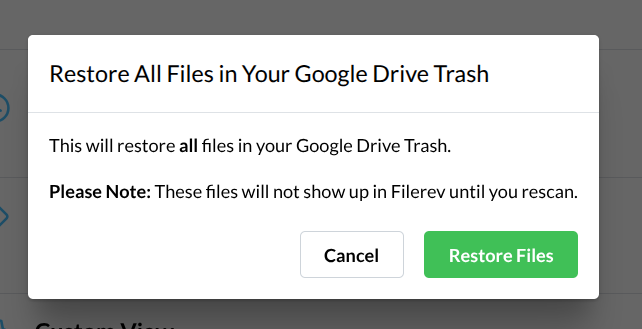
Once Filerev begins restoring your files, you'll see the progress at the bottom-left corner of the screen and your files will be restored back to their original locations in Google Drive.